Top 5 Free Tools Every Beginner Freelance Writer Needs in 2024
Mar 10, 2026 By Juliana Daniel
Your Free Foundation (Screw Paying For a Word Processor)
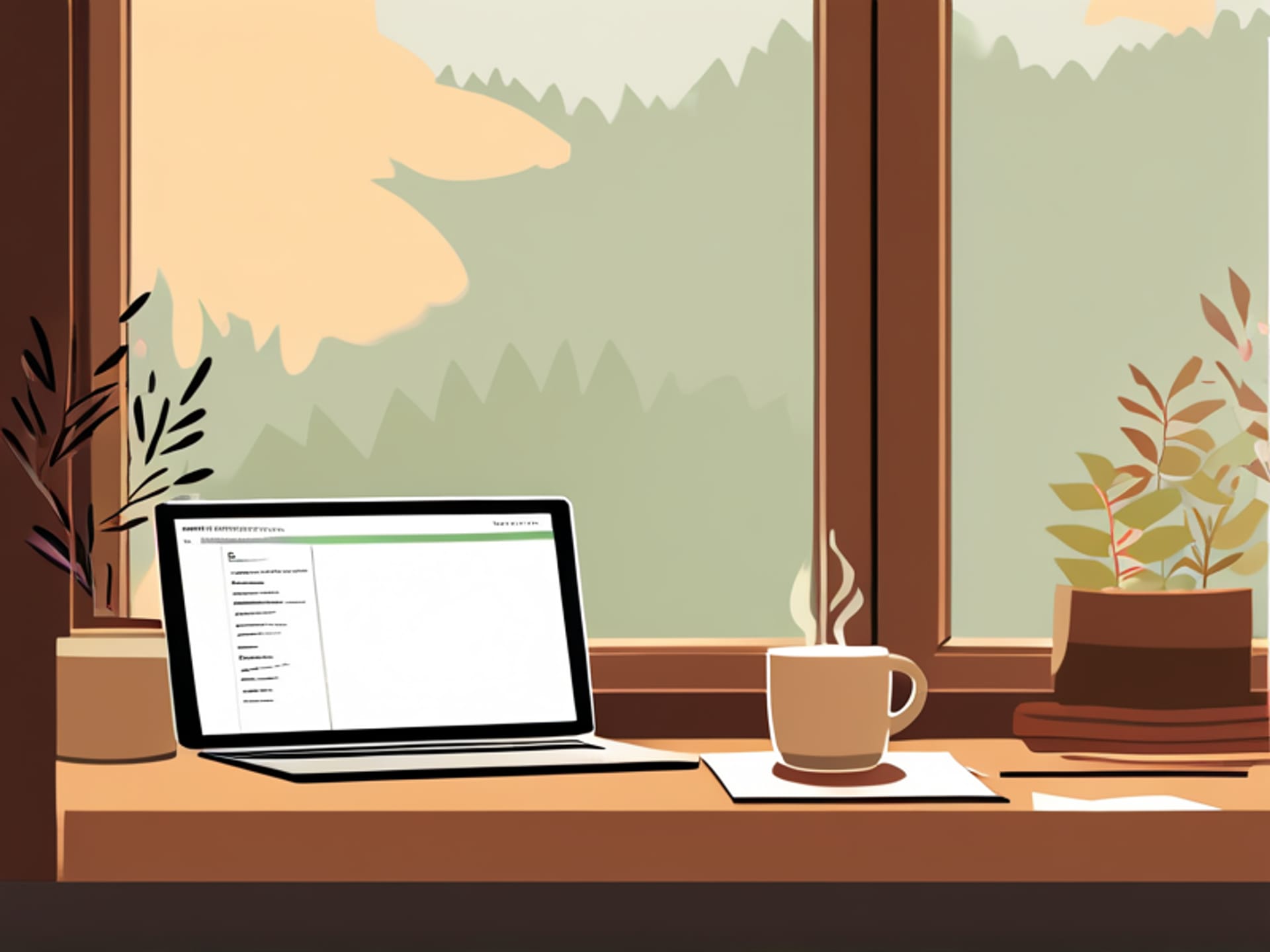
Look, you're a writer. Not a tech guru. You need a digital hammer and chisel you already know how to use. That's Google Docs. Here's the thing—I can practically guarantee you already have a Google account. So boom, you're in. No downloads, no confusing menus, and every single thing you write is saved automatically. No more "I lost my five-page masterpiece because my cat stepped on the power cord." It lives in the cloud. Shout-out to the real hero: the "suggesting" mode. When you share a draft with a client for edits, it doesn't get wrecked. It gets suggestions. You stay in control. It's free, it's powerful, and it's all you need to start building your portfolio tomorrow. Seriously, don't overthink this one.
The World's Sassiest Spell-Checker (It Does Grammar Too)
Let's be real. Your old high school English teacher isn't going to proofread your blog posts. But Grammarly can. Sort of. It's that little green squiggly line that lives in your browser and in Google Docs. It catches the dumb stuff you miss when you're typing fast—the their/there's, the missing commas, the passive voice you didn't realize you were using. Is it perfect? Hell no. It sometimes makes suggestions so ridiculous you'll laugh out loud. But that's not the point. The point is it makes you *think* about the sentence. It makes you pause. For a beginner, that second look is gold. Use the free version. It's a fantastic training wheel.
Your Single Greatest Weapon Against Writer's Block
Writing is a messy, chaotic act in your brain. Trello is how you take that chaos and give it a home. Think of it as a digital bulletin board. You create a card for every idea, every project, every article pitch. You drag them from "To Do" to "Writing" to "Sent to Client" to "Paid." It's stupidly simple. But here's why you need it: when you're starting out, the hardest part isn't the writing. It's the mental load. The "what do I do next?" panic. Trello clears the fog. You open it, see your next card, and just start. That clarity is priceless. And yes, the free plan is more than enough for one person.
How to Not Lose Your Mind (Or Your Ideas)
Freelancing is amazing. It's also a constant fire hose of information. You'll get an article idea in the shower. A client will email three revision notes while you're eating lunch. You'll read a quote you need to save. If all that lives in ten different places, you will forget it. Enter Evernote. Or any good note-taking app. But Evernote's free plan is a beast. You can clip web pages, scan handwritten notes, record voice memos, and find anything with a simple search. It's your second brain. When a client asks for a rewrite six weeks from now, you can find their original bizarre request in seconds instead of scrambling. It's not sexy. But it's the difference between feeling organized and feeling completely overwhelmed.
The Silent Partner That Keeps You Honest
This is the final boss for a new freelancer: your own brain. You sit down to write for two hours, and somehow you've spent 90 minutes watching YouTube videos about vintage typewriters. We all do it. That's where the Pomodoro Technique saves your butt. You write for 25 minutes straight—no email, no social media. Then you take a 5-minute break. The app "Focus Keeper" (or literally any timer app) is all you need. It's brutal, simple accountability. It forces you to realize that most of your "work time" isn't work. Those focused 25-minute sprints will get more done than a whole day of "sorta working." It's free. It works. Don't argue with the timer.