Best Pre-Built Tactile Keyboards for Beginners Under $100
Jan 13, 2026 By Juliana Daniel
Stop the Quiet Hype. You Need Some Click in Your Life.
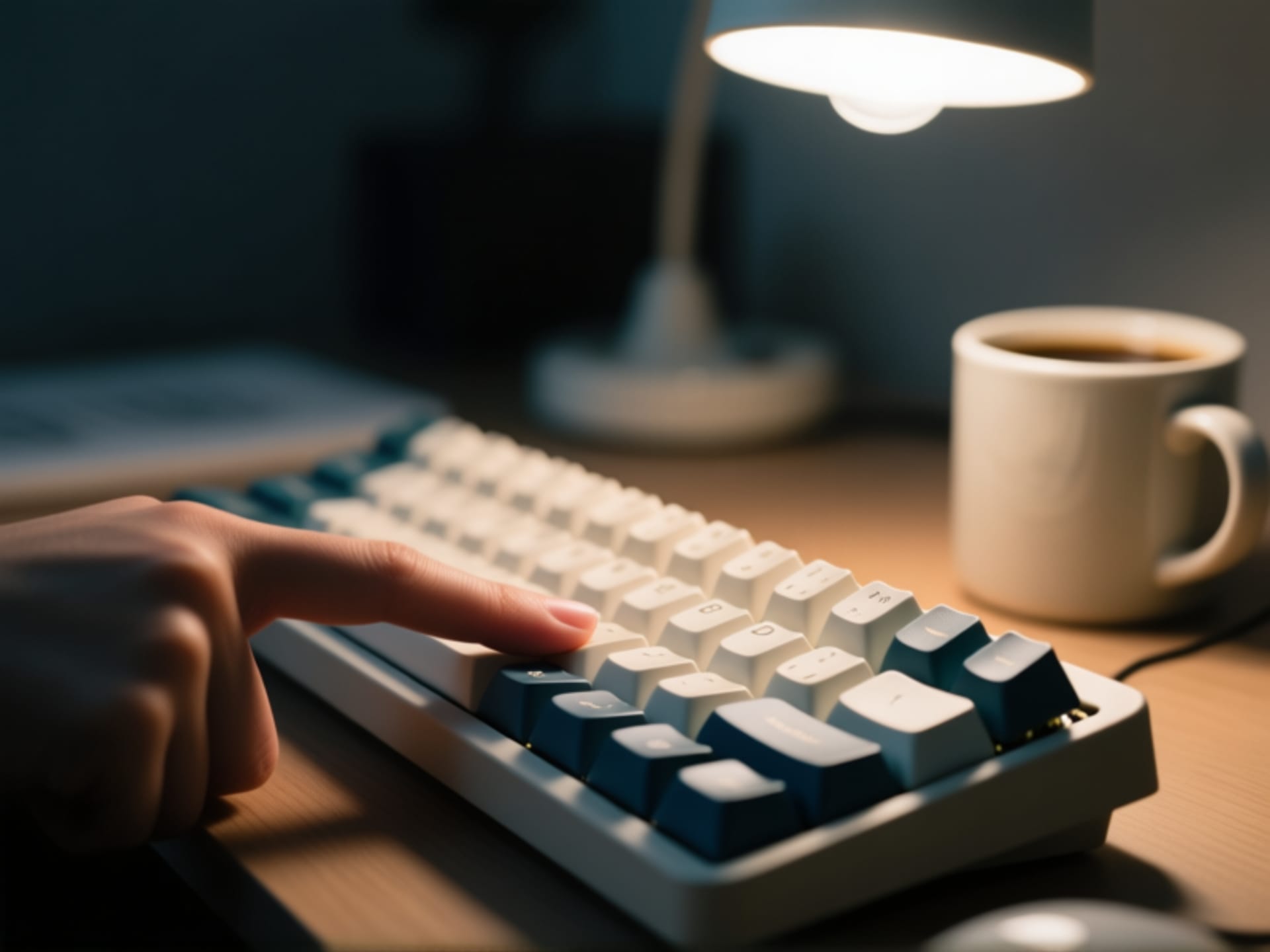
So you're hearing about "tactile keyboards" from YouTube reviews. Everyone's making them sound like this elite club. It's just a better way to type. That satisfying little bump and click for every keypress? It just feels right. It makes the cheap plastic keyboard that came with your computer feel like a joke. But look, high-end custom boards can cost more than your entire PC. That's where we're at. The good news? You can get 95% of that glorious typing feeling for under a hundred bucks. You just need to know where to look.
The Big Three: Your Under-$100 Shortlist
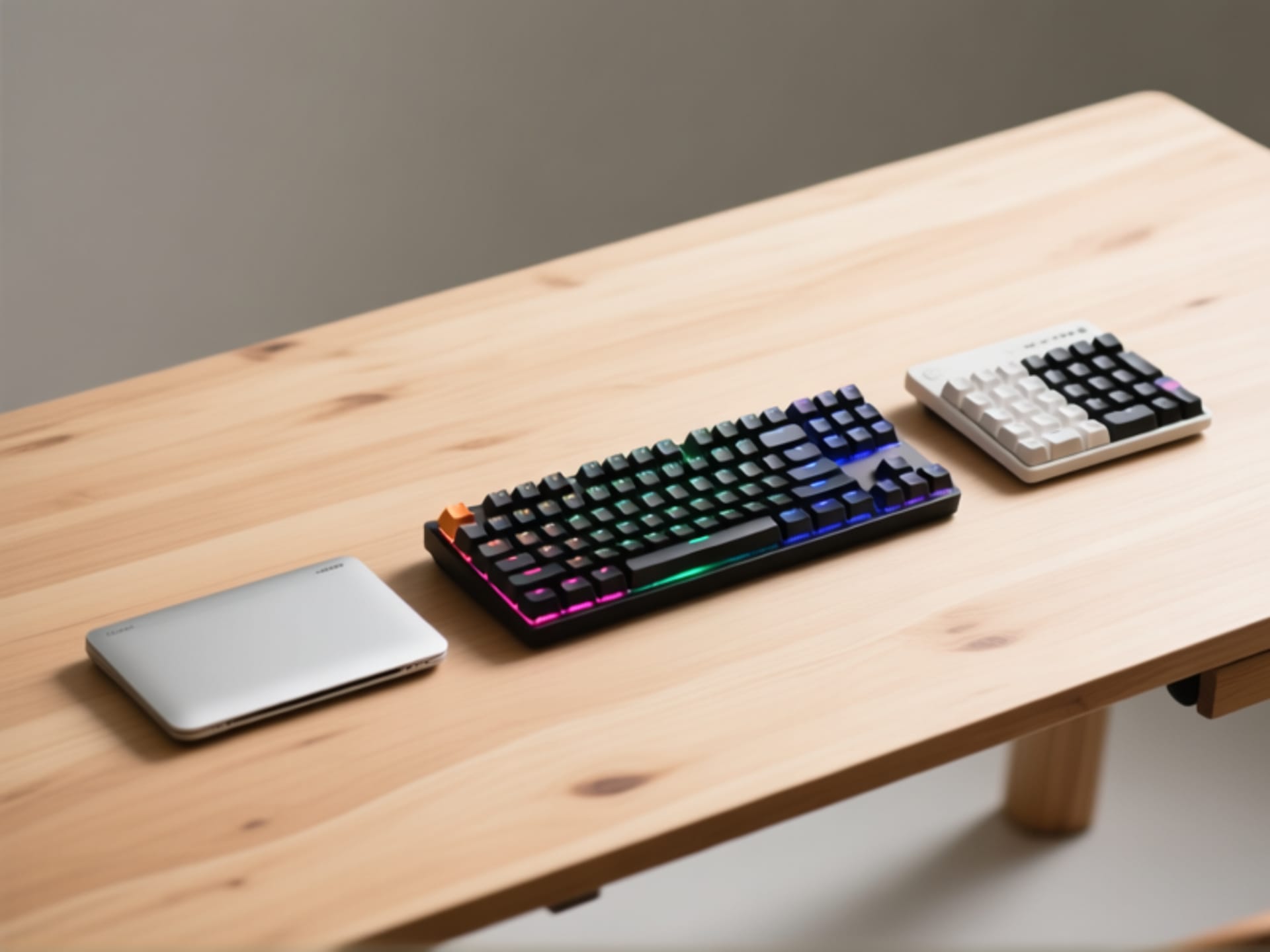
Let's cut the noise. In the budget pre-built world, a few names constantly win. We're talking keyboards that are widely available, reliable, and sound fantastic out of the box. You can't go wrong starting here. The Keychron V Series is basically the darling of the budget world. Fantastic build, hot-swappable PCB for a few bucks more, and their K Pro tactile switches are quiet and satisfying. The RK Royal Kludge Series offers insane value, often throwing in wireless connectivity and blaring RGB for like $70. And then there's the Redragon K552 or similar - the absolute workhorse. It's cheap, it's loud, it's built like a tank, and it's been the gateway drug for a million typists.
What Does "Tactile" Even Mean? A Simple Guide.
Here's the thing. "Tactile" is a feel, not a sound. It means the switch gives you a physical bump of feedback as you press down, telling your finger, "Yep, that key is now registered." You don't have to bottom out. This is a big deal. The other main types are linear (smooth all the way down, like a gaming switch) and clicky (tactile but with an added loud CLICK sound). For a beginner, tactile is the sweet spot. It gives you control without being obnoxious. Most keyboards in this price range use switches made by or modeled after Gateron or Outemu browns. They're the safe, comfy choice.
Plug It In. That's It. That's The Setup.
The best part about a pre-built? There is no project. No soldering. No waiting for parts from China. You unbox it, plug it in (or connect via Bluetooth), and you're typing better in 30 seconds. Maybe you adjust the feet for a slight angle. Maybe you cycle through a few RGB modes for fun. Then you just use it. This is perfect for a beginner because you get to *experience* the difference immediately. You don't have to build your dream board first. Half the fun is using it, making your typing a little less miserable, and figuring out what you might want in your *next* keyboard someday.
Why Your Fingers Will Thank You Tomorrow
You know that ache in your wrists after a long essay or a coding session? A lot of that comes from bottoming out keys, slamming your fingers down on a mushy membrane board over and over. A tactile switch can genuinely help with that. The bump is a physical cue to stop pressing. Your typing becomes lighter, more intentional. It's not a magical cure, but it's a huge step toward a more comfortable relationship with your computer. That's a pretty good deal for less than a fancy dinner for two.