Building a 'Second Brain' System to Organize Your Digital Life
Jan 07, 2026 By Juliana Daniel
Your Brain is Full. It's Time to Evolve.

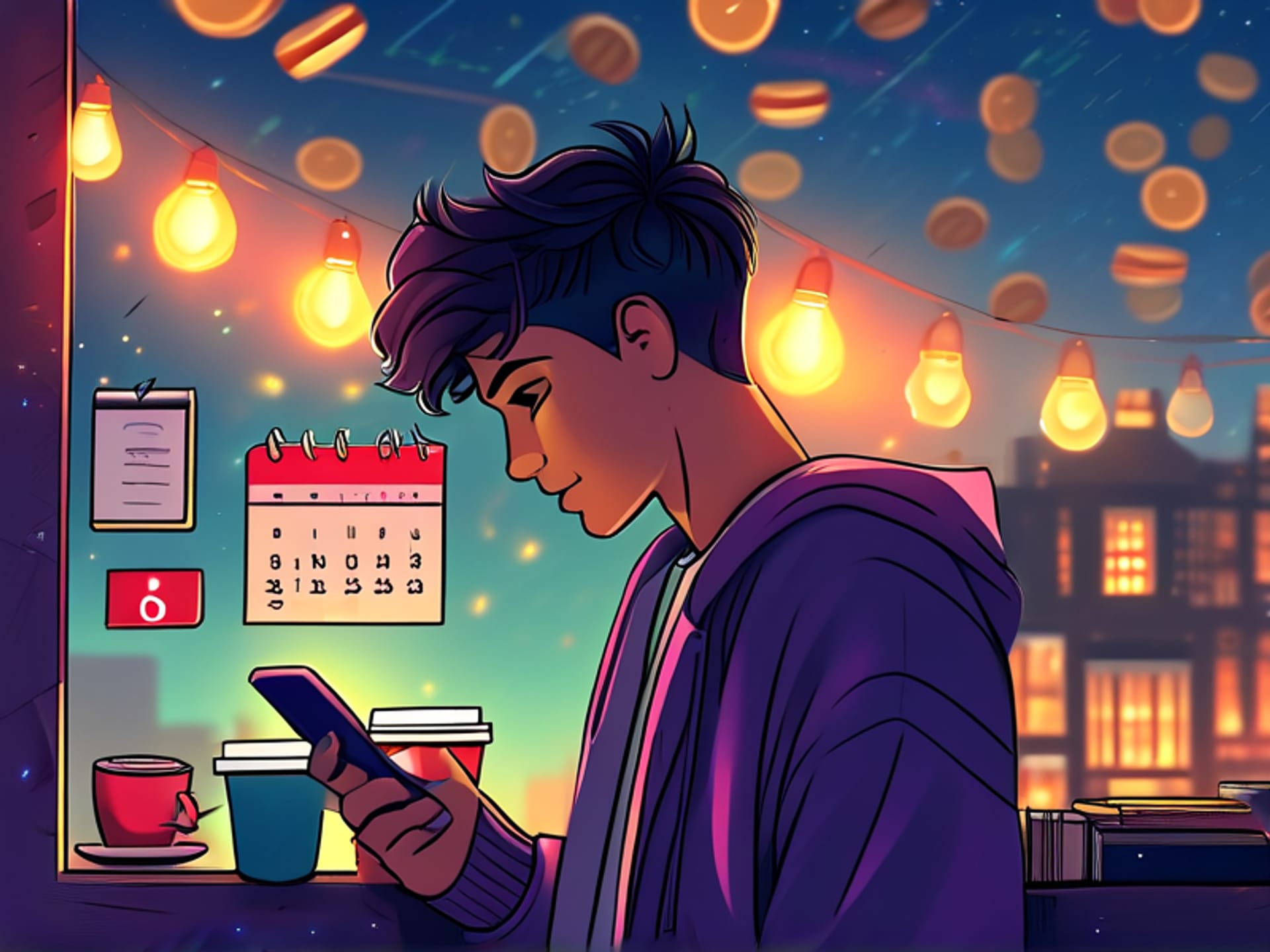
Let's be honest. Your head is packed. That brilliant article you bookmarked last week? Lost. The fleeting idea for your project you had in the shower? Gone. Your entire digital life--notes, PDFs, reminders, half-finished drafts--is scattered across apps like a digital crime scene. You're drowning in information. Here's the thing: your biological brain is an awful place to store things. It's for connecting ideas, not holding them. You need a better solution.
What the Heck is a 'Second Brain' Anyway?
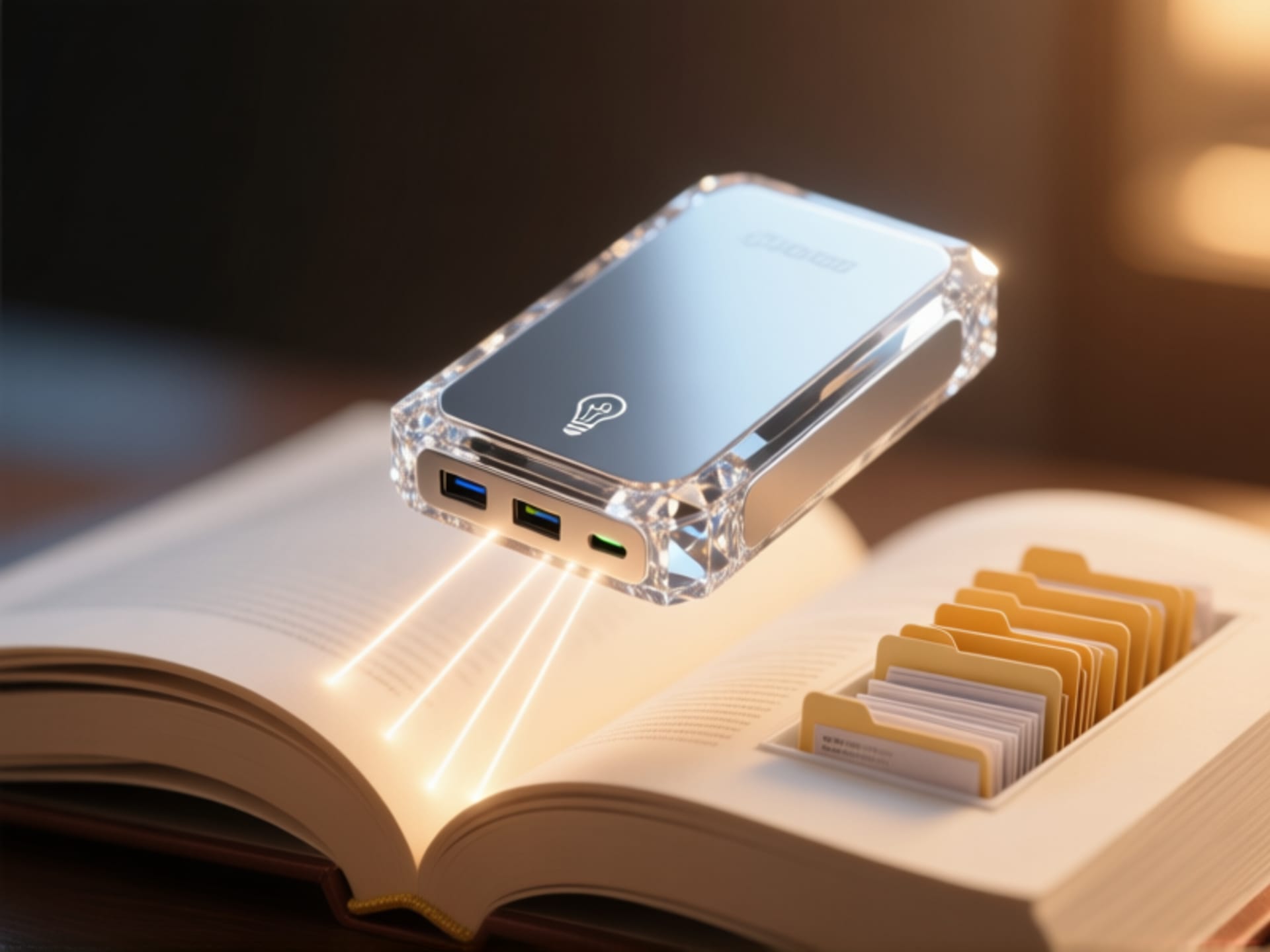
It sounds sci-fi, but it's dead simple. Think of it as an external hard drive for your thoughts. A "Second Brain" is a personal knowledge management system. A single, trusted place outside your head to collect, connect, and retrieve all the information that matters to you. It's not magic. It's a workflow. Pioneered by people like Tiago Forte, it's the antidote to digital hoarding. Your phone has cloud storage. Why doesn't your mind?
PARA: The 4-Letter Word for Instant Clarity
Most organizing systems fail because nothing ever gets old. PARA fixes that. This method from Tiago Forte sorts everything you touch into four buckets. **Projects** are active goals with a deadline (like "write annual report"). **Areas** are long-term responsibilities you manage (like "Health" or "Finances"). **Resources** are topics of interest (like "AI Tools" or "Sourdough recipes"). And the **Archive**? That's where old, completed Projects and irrelevant Resources go to live forever. The sheer power here is in the movement. Things constantly flow from active to dormant. It's alive.
Just Start. (Yes, Right Now)
You don't need a new app. You don't need a fancy course. You're overthinking it. Pick a tool you already use--Apple Notes, Google Keep, Notion, anything. Now, open it. Make four top-level folders: Projects, Areas, Resources, Archive. That's it. That's the system. Your first action? Take whatever digital note has been floating in your head or pinned in your browser and drag it into one of those four homes. One down. A thousand to go. But you've started. You've begun building your digital zen garden. This isn't about perfection. It's about progress. You're not just organizing information. You're clearing mental real estate for the good stuff. For actual thinking.